Flint
New onboarding improves usability metrics & conversion
Overview
Flint is a friendly go-to wallet for DeFi and NFTs. My role was to redesign the onboarding experience so that first-time users could set up their wallets quickly and confident doing it. Before the redesign, beta users faced immediate friction: overwhelming options, excessive technical jargon, and inconsistent UI, leading to hesitation and high drop-off.
To solve this, I redesigned the onboarding flow by unifying screen interfaces: aligning copy, visuals, and interactions to create a seamless cross-platform experience. We simplified complex actions (creating, restoring, connecting wallets) while navigating strict security protocols. This redesign not only resolved immediate friction but also established a durable visual system to support future scalability.
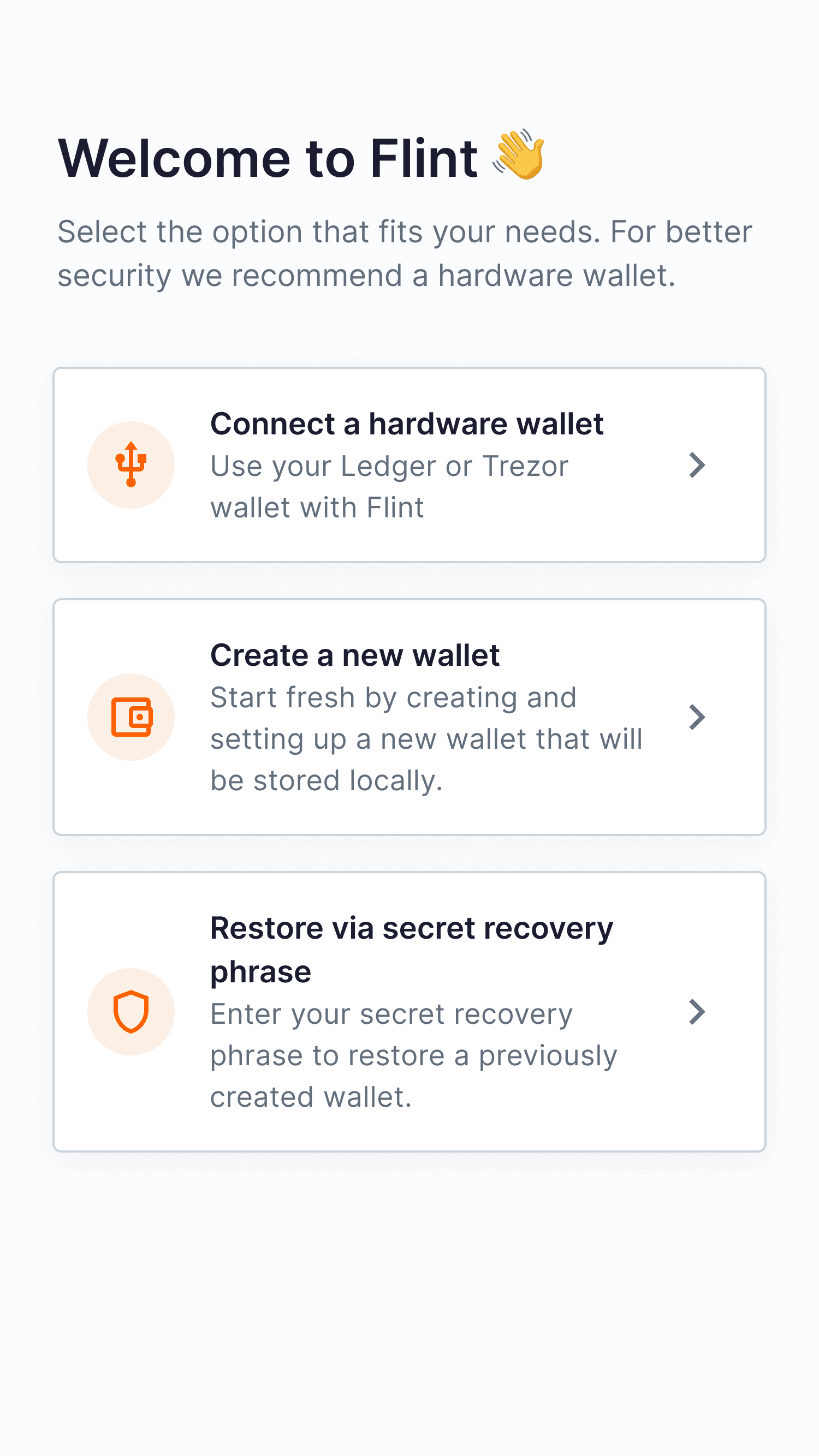
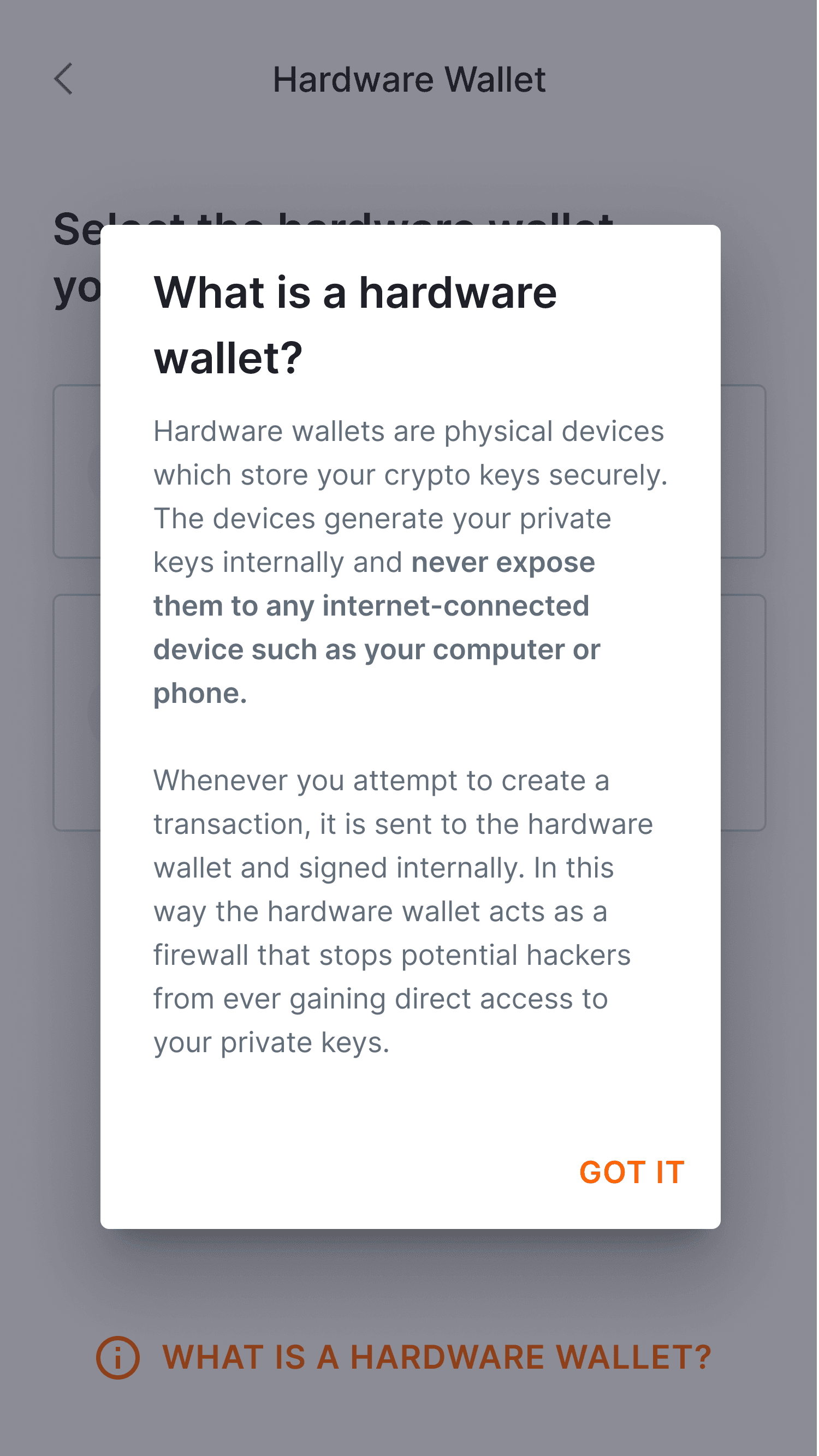
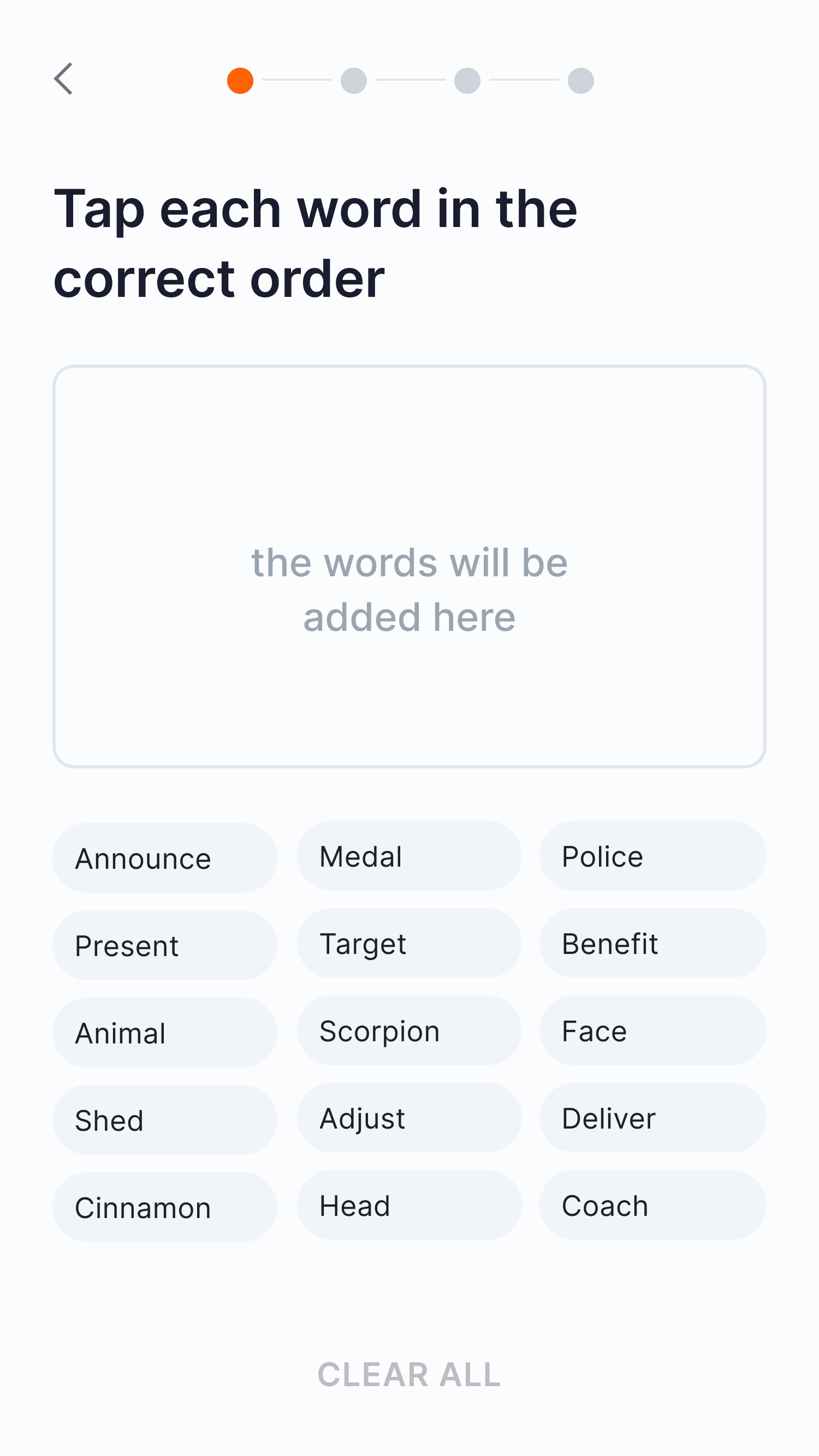
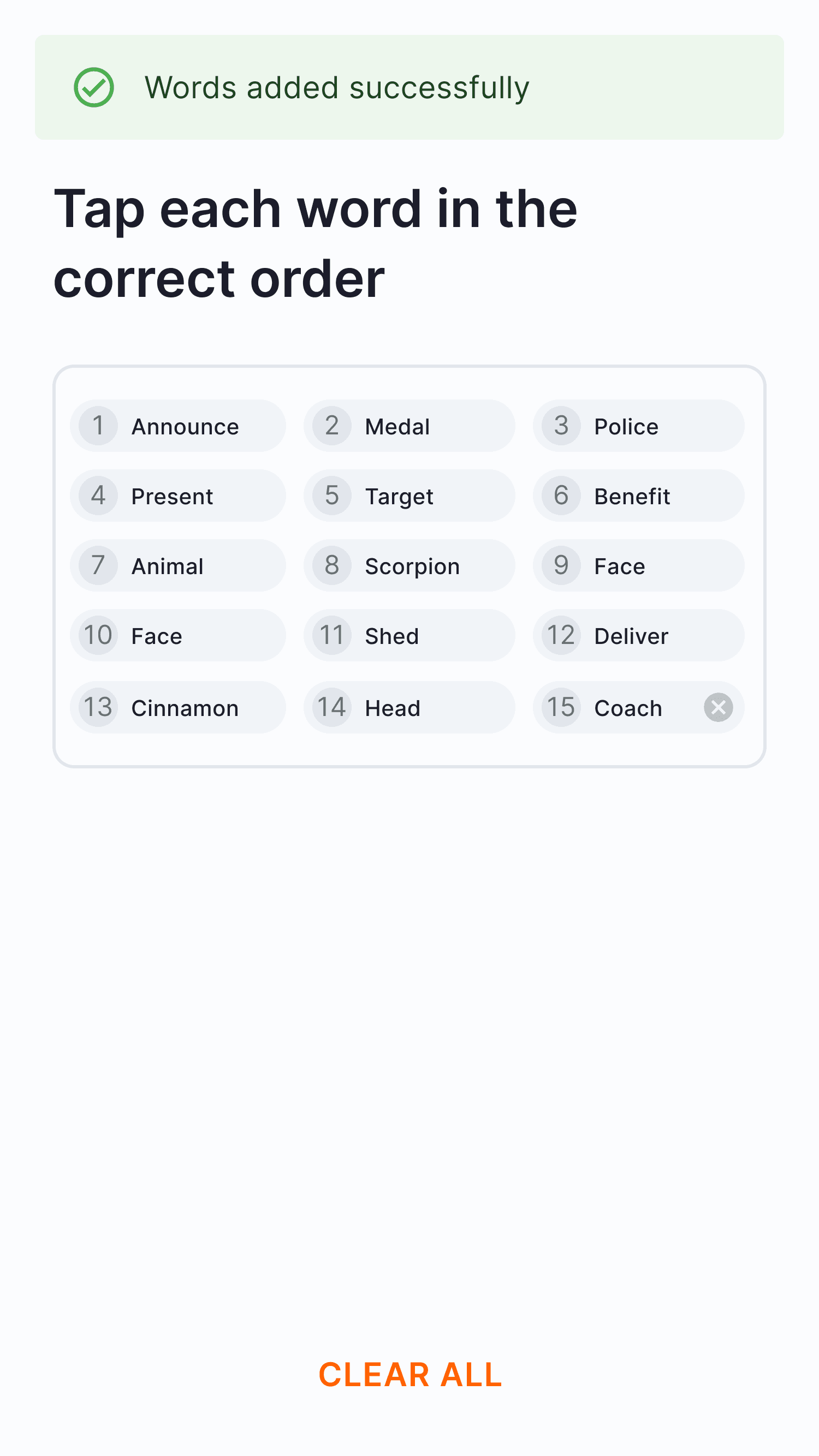
Guided Onboarding
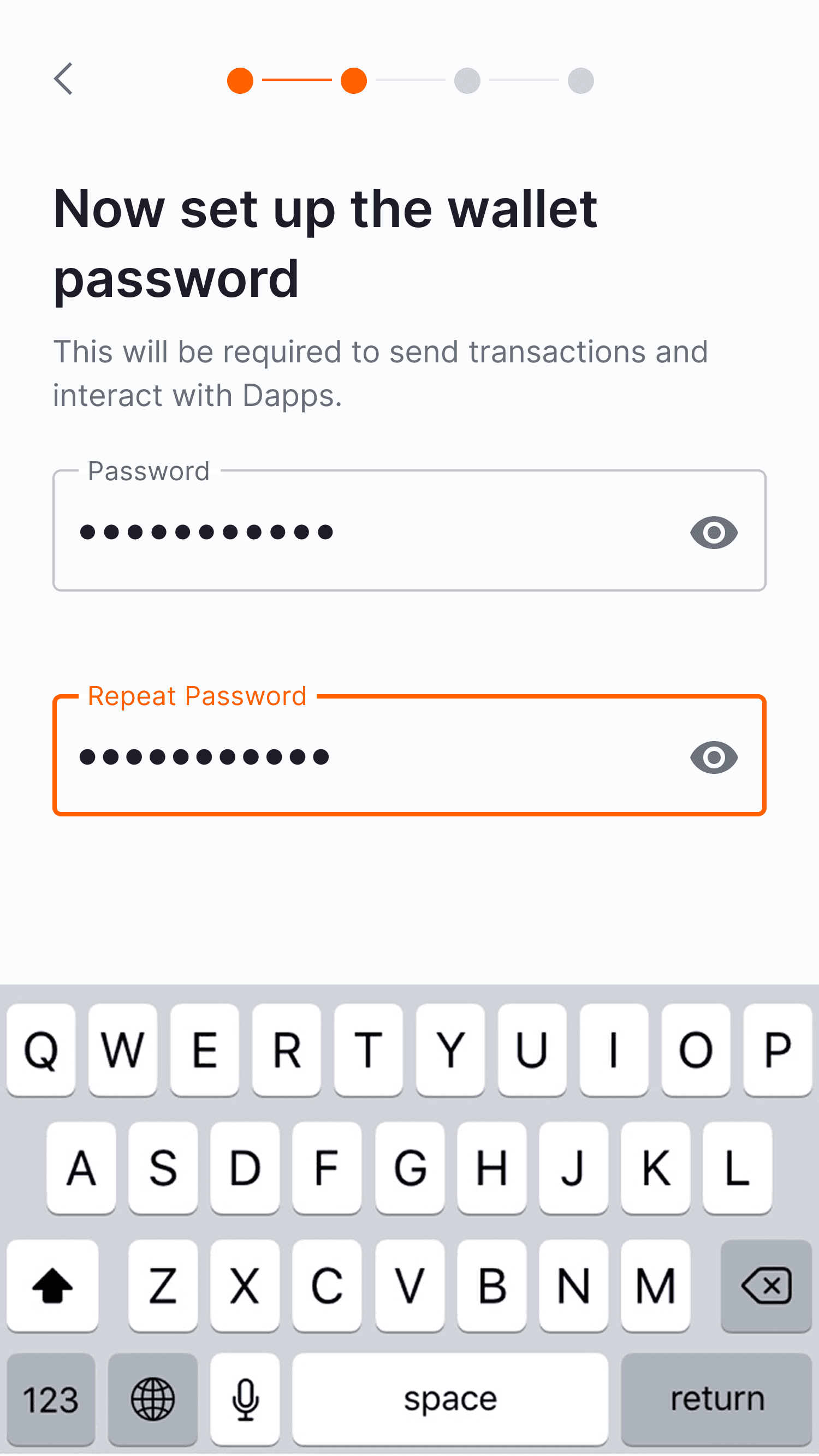
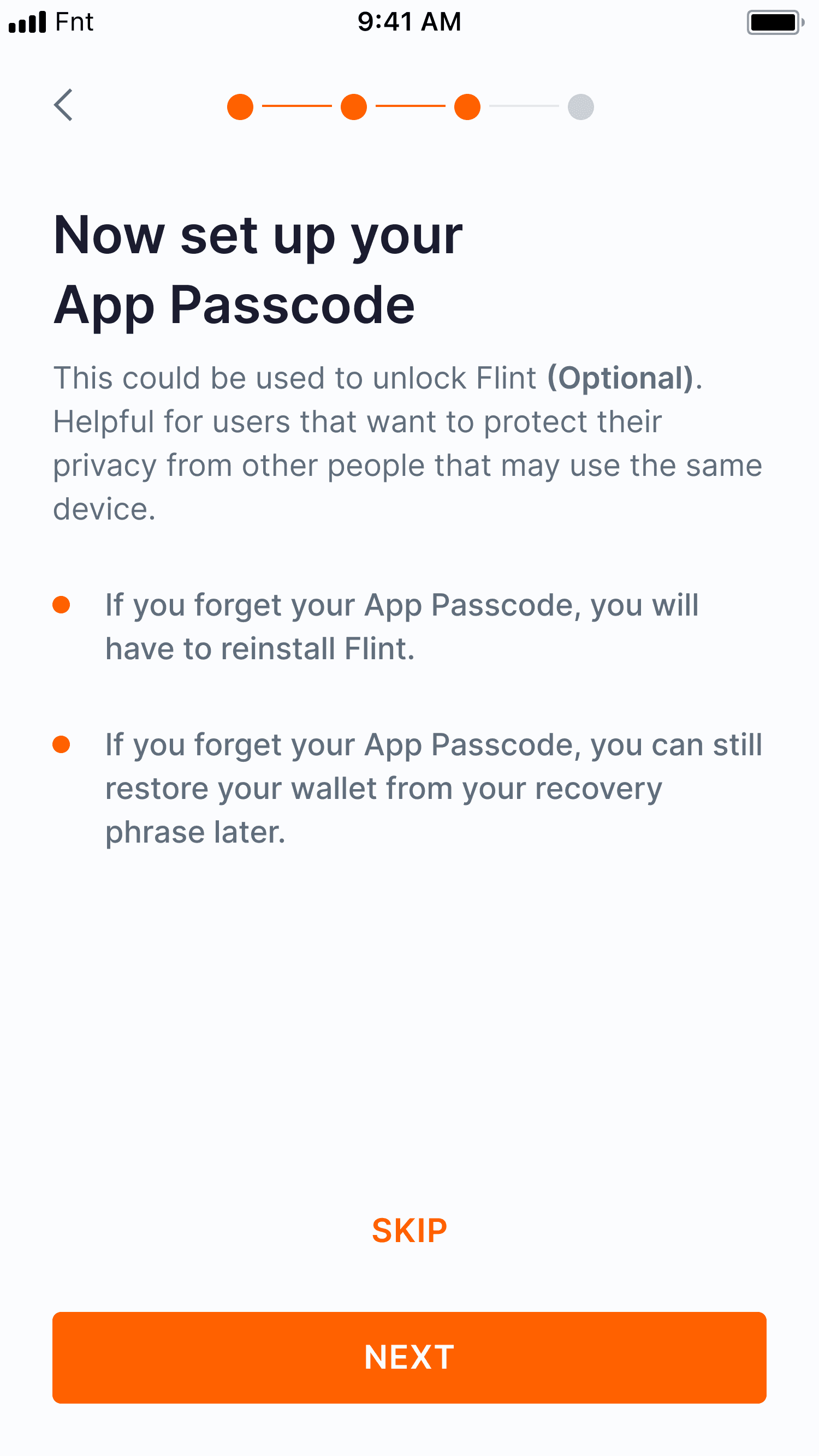
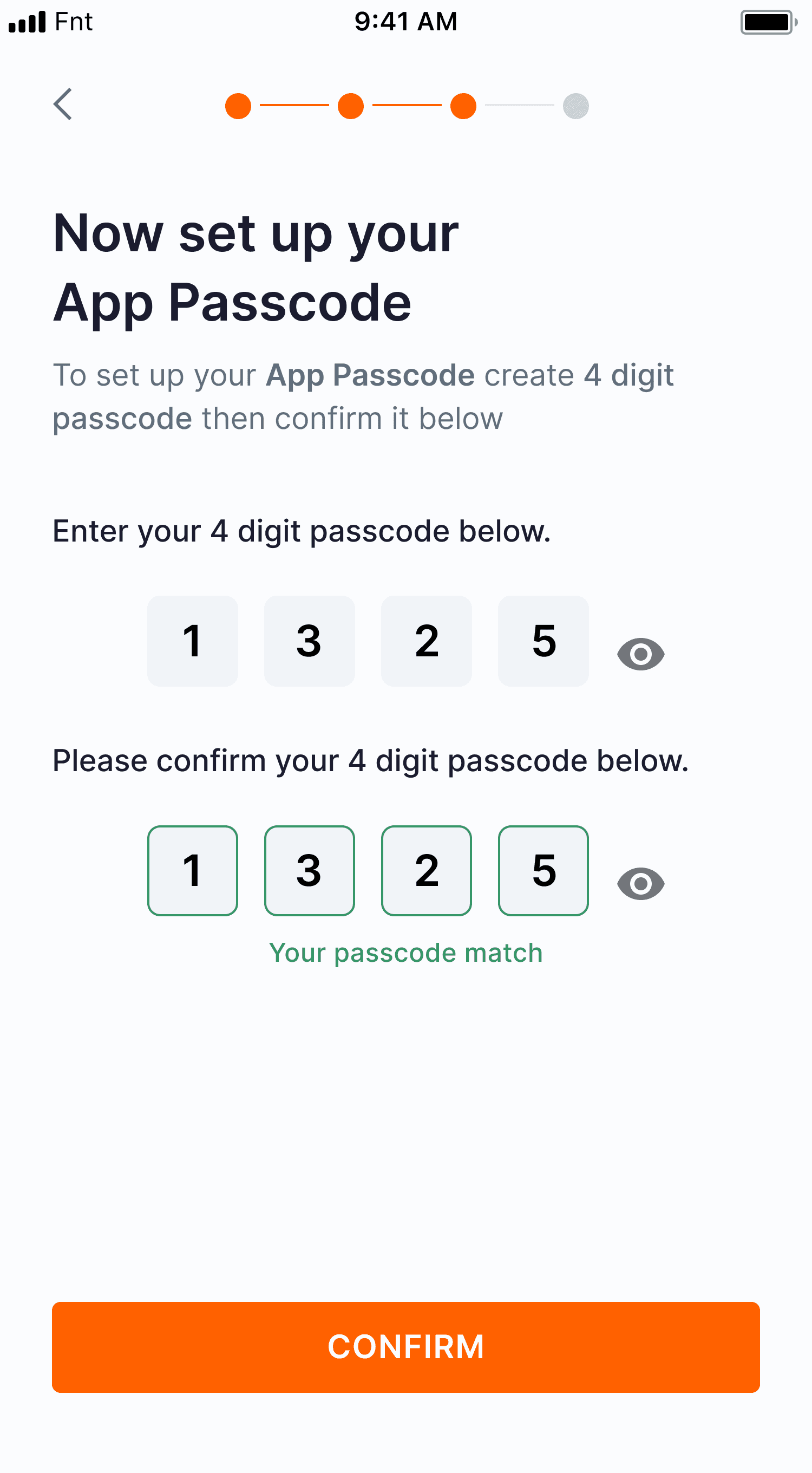
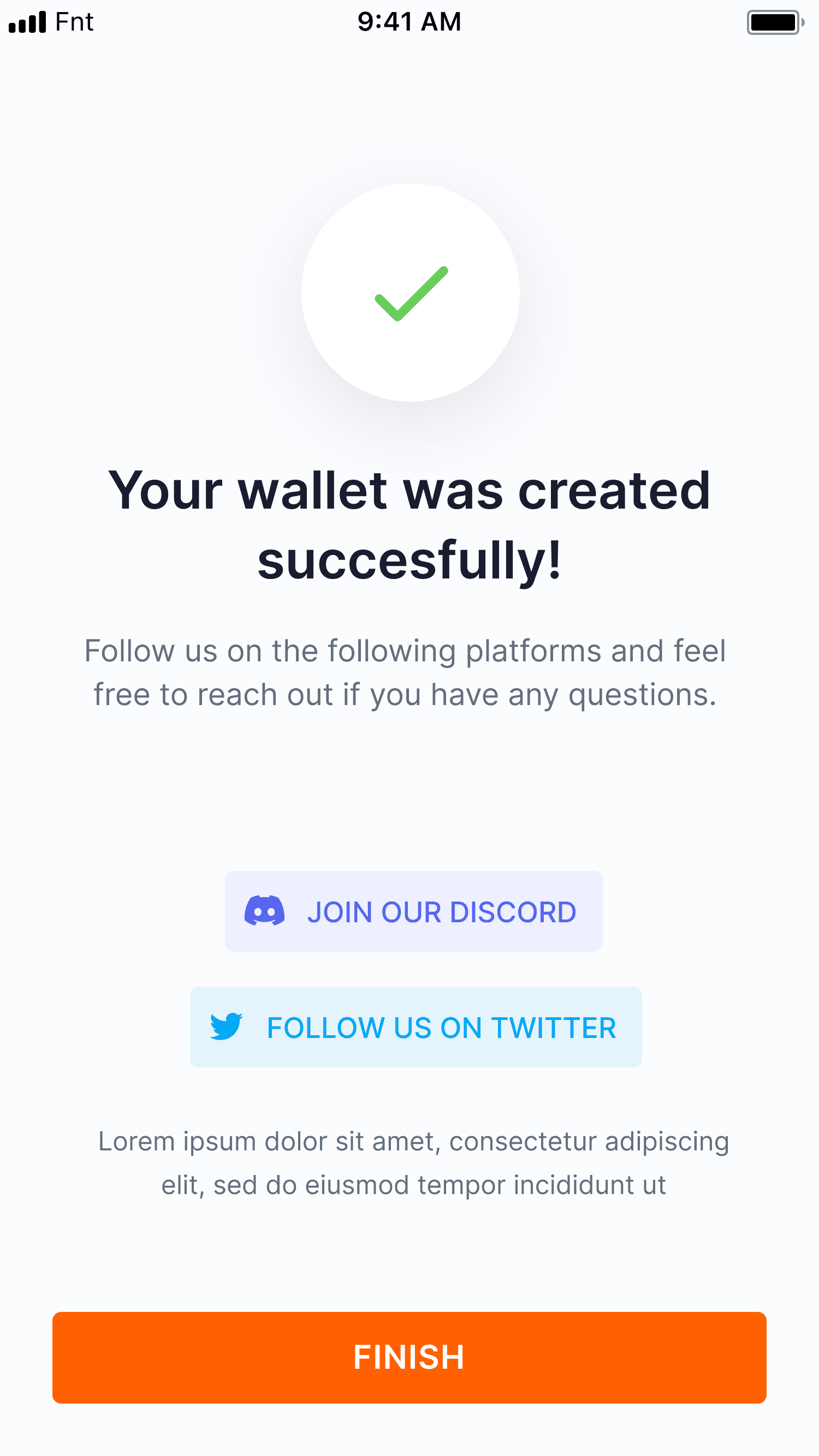
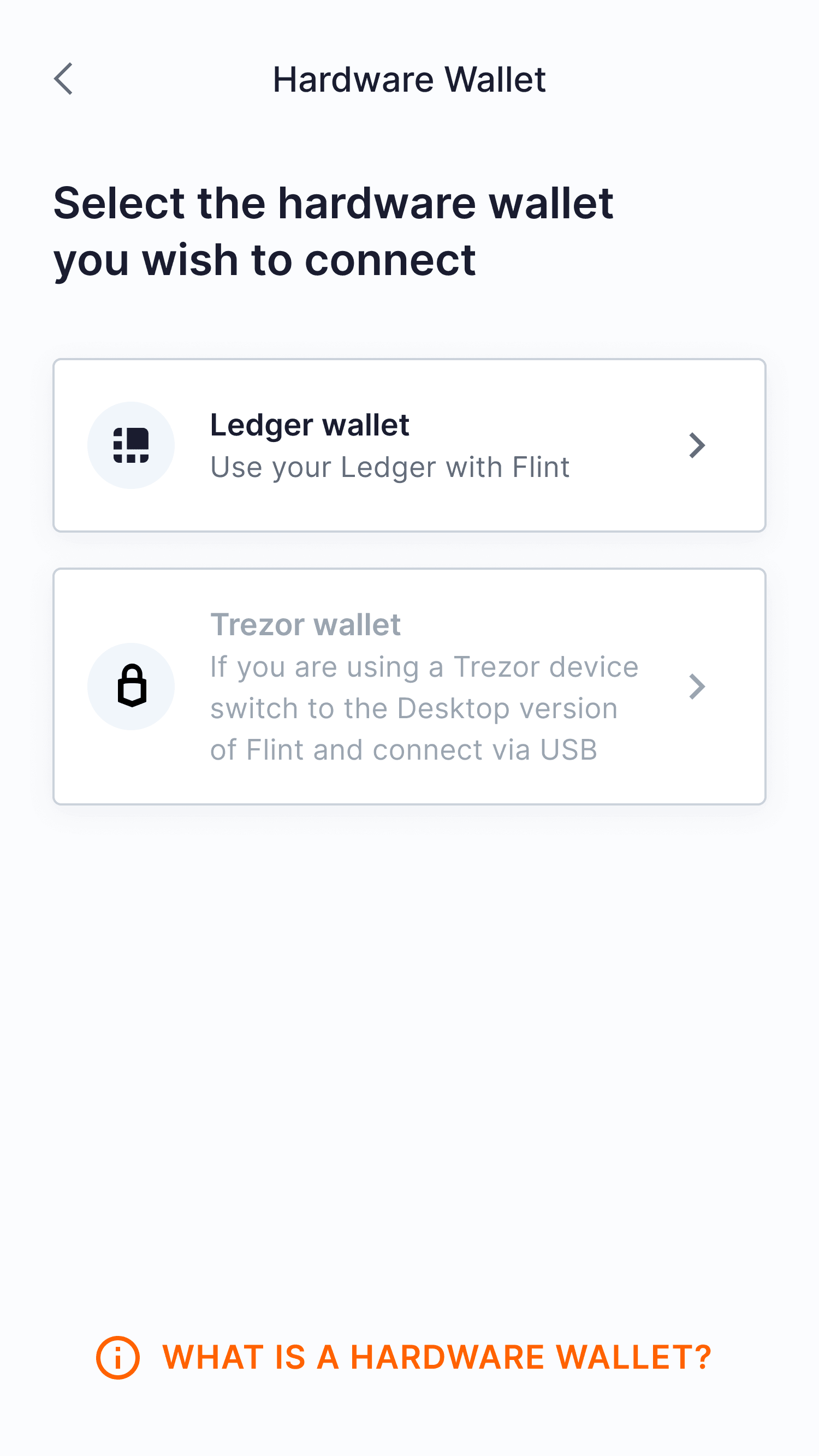
The tutorial guides users step-by-step, from simple tasks, like selecting a wallet connection option to advanced tasks, such as restoring a previous wallet via a recovery phrase.
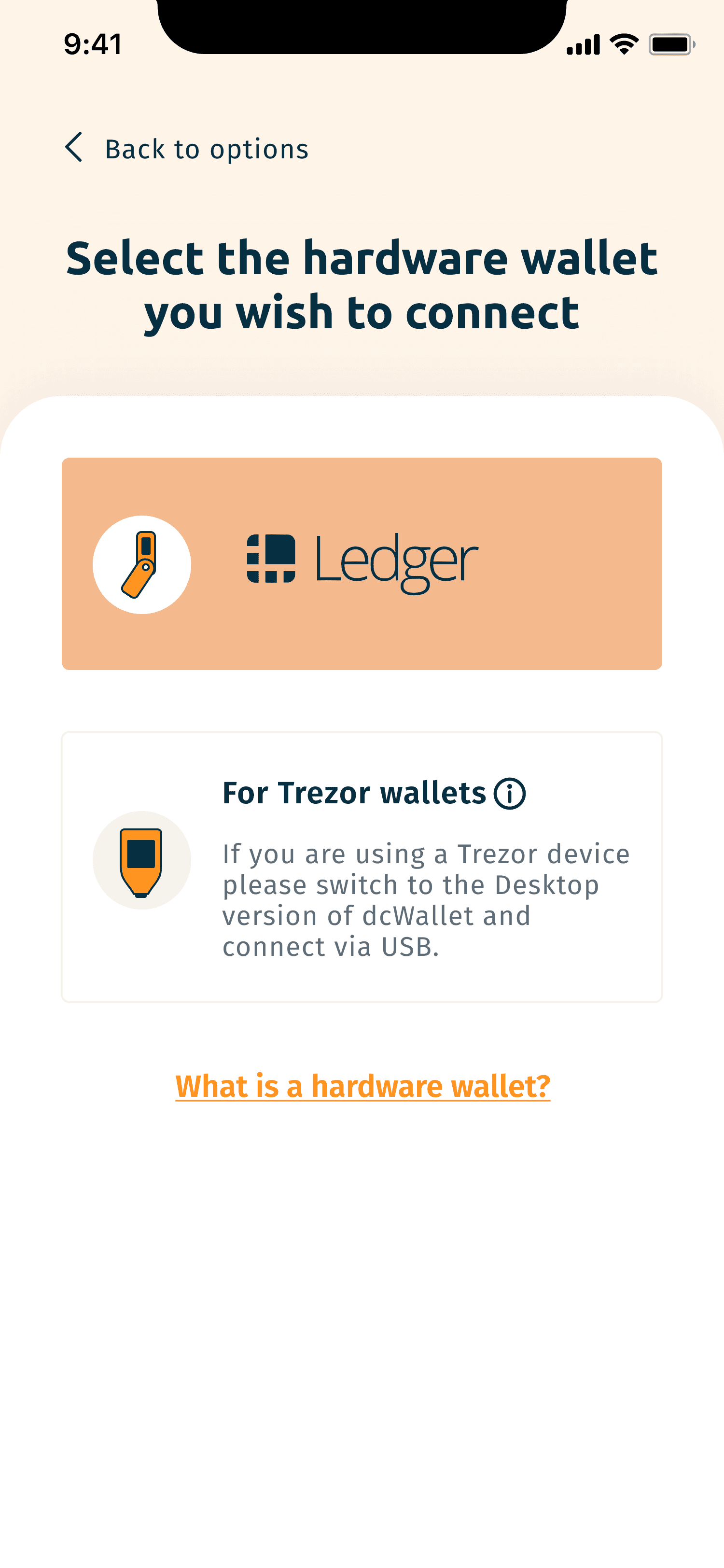
To further reduce friction, we rewrote technical copy into clear, approachable language, adding helper text and tooltips to explain complex terms like "hardware wallet" exactly when the user needs them.
Problem & Challenges
To understand where and why users were struggling, we conducted usability sessions with first-time and light crypto users, documenting their journey from a splash screen to account setup. In parallel, we performed a comprehensive audit of the onboarding flow, reviewing UX writing, visual hierarchy, and consistency to uncover unnecessary complexity. From this research, three key issues surfaced:
Technical jargon confused beginners and increased drop-off during setup.
Unclear CTAs made it difficult for users to understand the next step.
Visual inconsistencies weakened user trust and reduced brand credibility.
Entry point improvements: User-friendly step-by-step onboarding with progress indicators and short guidance to improve clarity and reduce drop-offs.
Visual consistency: Worked with engineers to align components and interactions across mobile and web, ensuring a consistent experience.
Collaborating with the senior designer and CTO, I rapidly prototyped flows for mobile and web, focusing on simplifying onboarding steps and reducing friction to deliver the optimal experience for new users.
Unified Visual Language
Together with the senior designer, I helped establish a consistent visual foundation across mobile and extension. We defined shared typography, spacing, and color tokens that improved readability and brand cohesion. This alignment not only built user trust but also simplified developer implementation by ensuring both platforms followed the same design logic.
Getting Started Screens
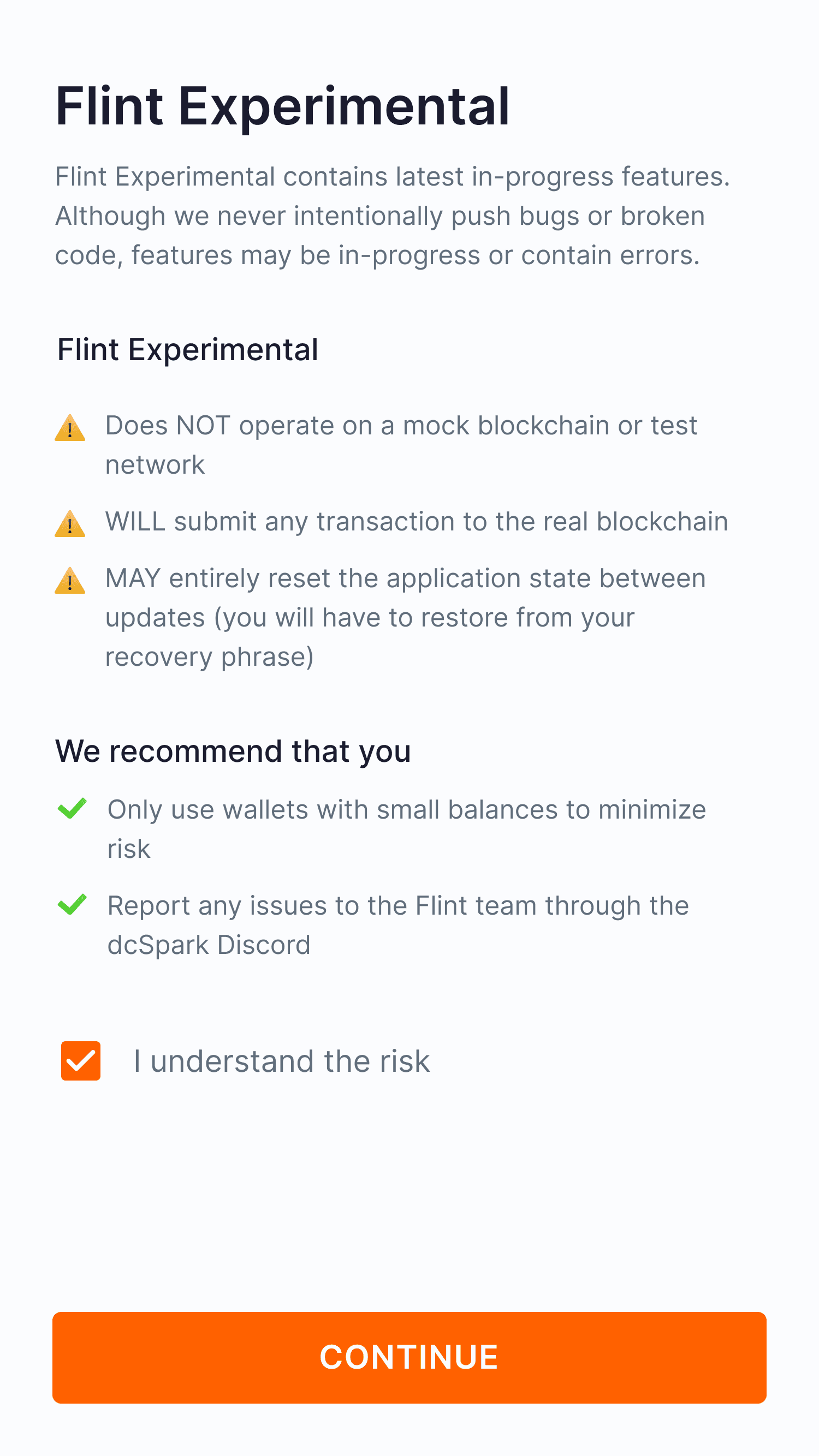
New users often felt overwhelmed by the process of creating or connecting a wallet. I designed guided tutorials, featuring interactive visual cues and step-by-step instructions, to make onboarding intuitive and help users feel confident from the start.
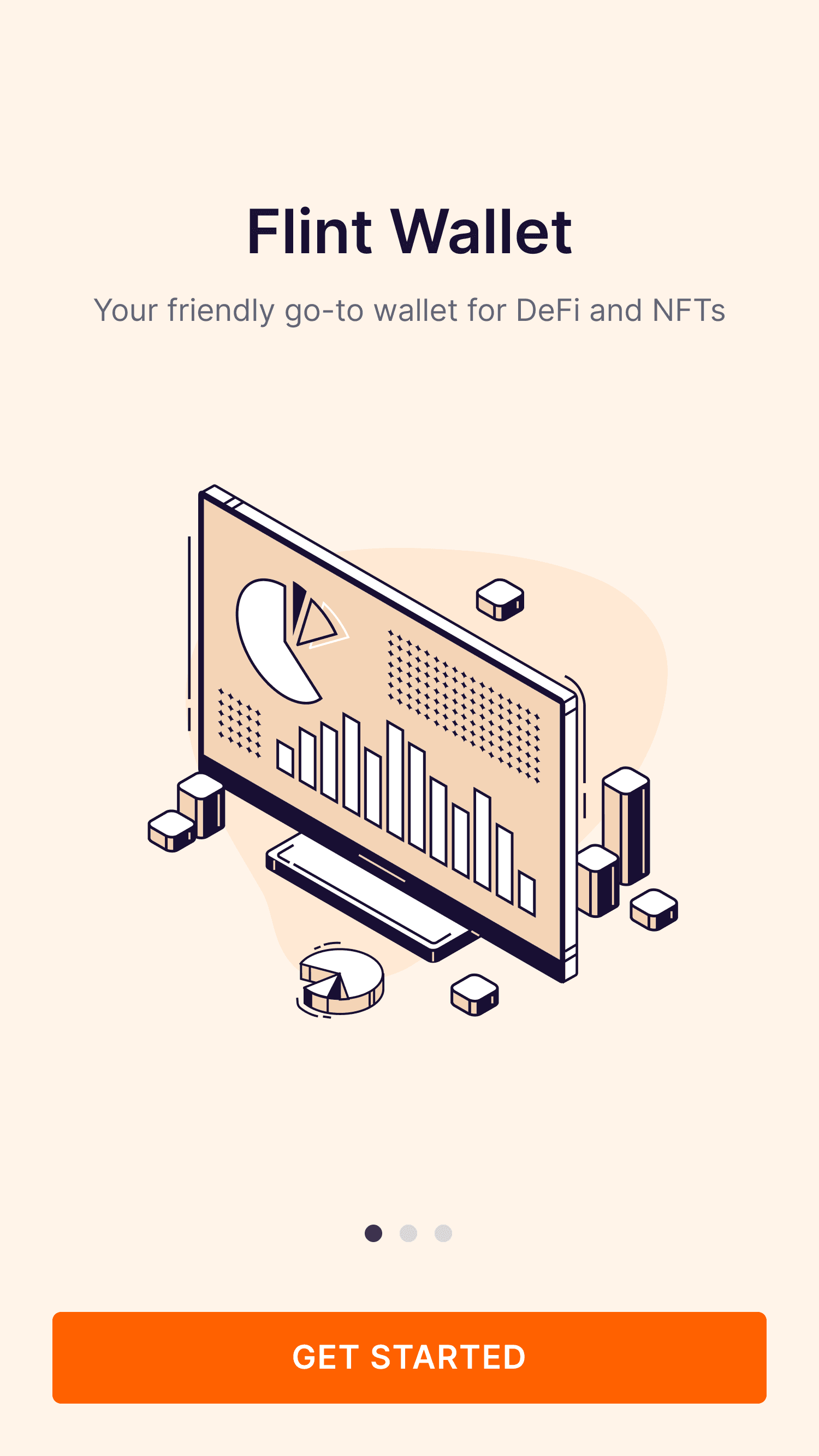
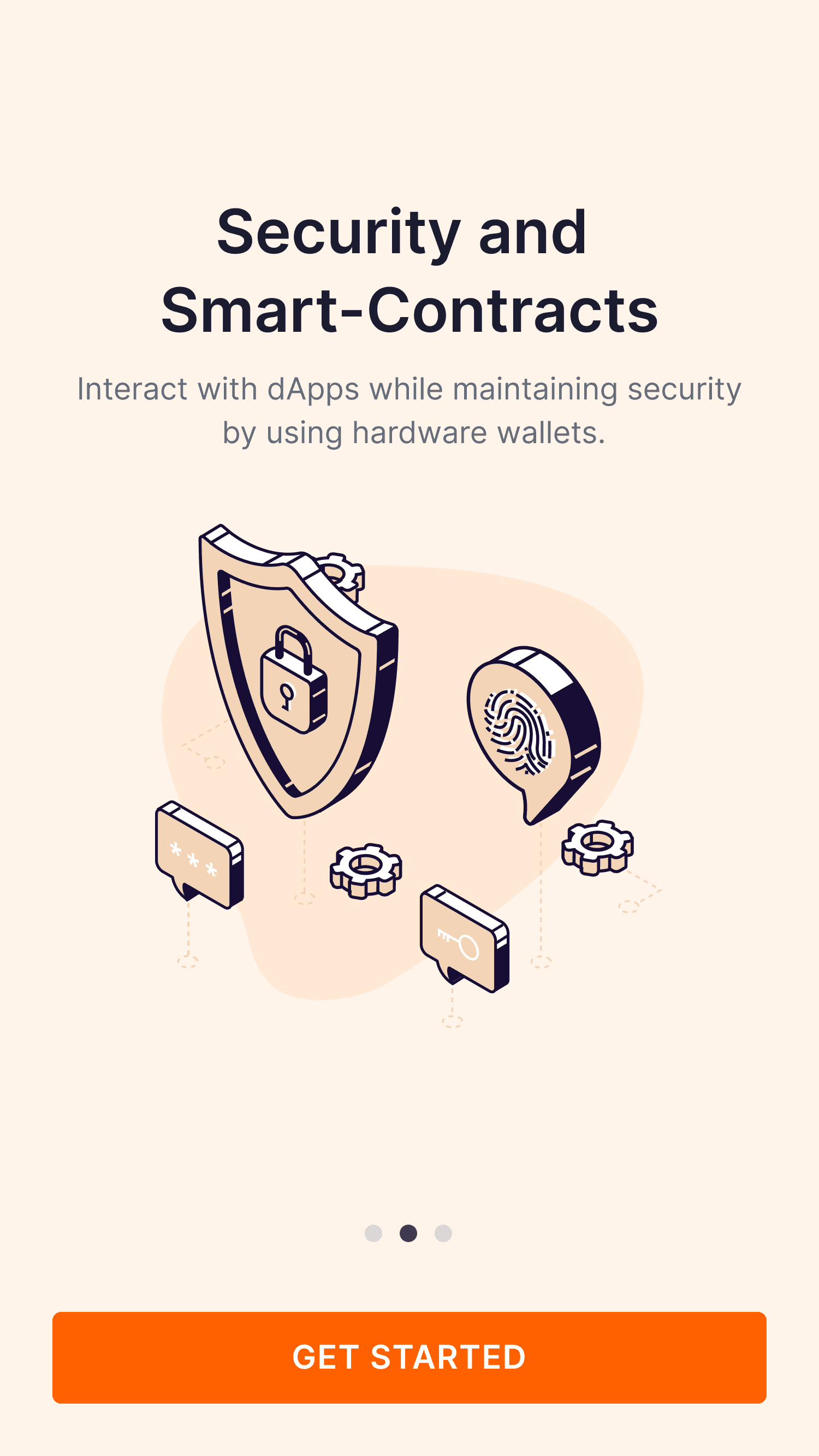
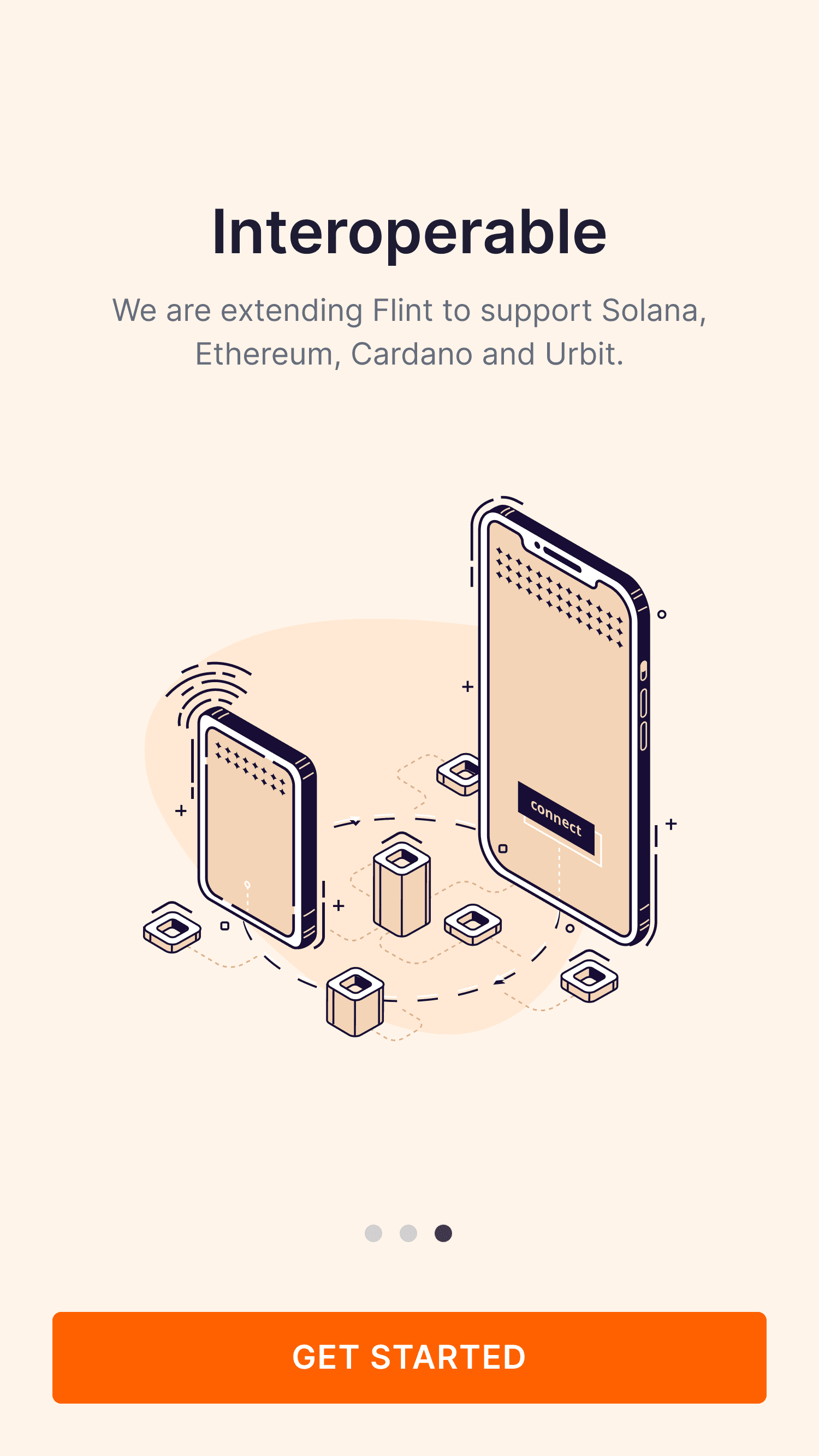
New users are greeted with a tutorial designed to quickly familiarize with Flint’s key features and core purpose, making it easy to get started.
Takeaway
We delivered a production‑ready onboarding system for Flint Mobile and Flint Chrome Extension, backed by a solid design system (tokens, core components, and copy guidelines). In testing, more users finished setup, made fewer errors, and reported higher confidence on first run. The shared foundations now support future wallet flows without re‑solving the same problems.
Result: Faster completion, fewer drop‑offs, and higher first‑session confidence in testing.

Flint
New onboarding improves usability metrics & conversion
Problems & Challenges
To understand where and why users were struggling, we conducted usability sessions with first-time and light crypto users, documenting their journey from a splash screen to account setup. In parallel, we performed a comprehensive audit of the onboarding flow, reviewing UX writing, visual hierarchy, and consistency to uncover unnecessary complexity. From this research, three key issues surfaced:
Technical jargon confused beginners and increased drop-off during setup.
Unclear CTAs made it difficult for users to understand the next step.
Visual inconsistencies weakened user trust and reduced brand credibility.
Entry point improvements: User-friendly step-by-step onboarding with progress indicators and short guidance to improve clarity and reduce drop-offs.
Visual consistency: Worked with engineers to align components and interactions across mobile and web, ensuring a consistent experience.
Collaborating with the senior designer and CTO, I rapidly prototyped flows for mobile and web, focusing on simplifying onboarding steps and reducing friction to deliver the optimal experience for new users.
Getting Started Screens
New users often felt overwhelmed by the process of creating or connecting a wallet. I designed guided tutorials, featuring interactive visual cues and step-by-step instructions, to make onboarding intuitive and help users feel confident from the start.
New users are greeted with a tutorial designed to quickly familiarize with Flint’s key features and core purpose, making it easy to get started.
Guided Onboarding
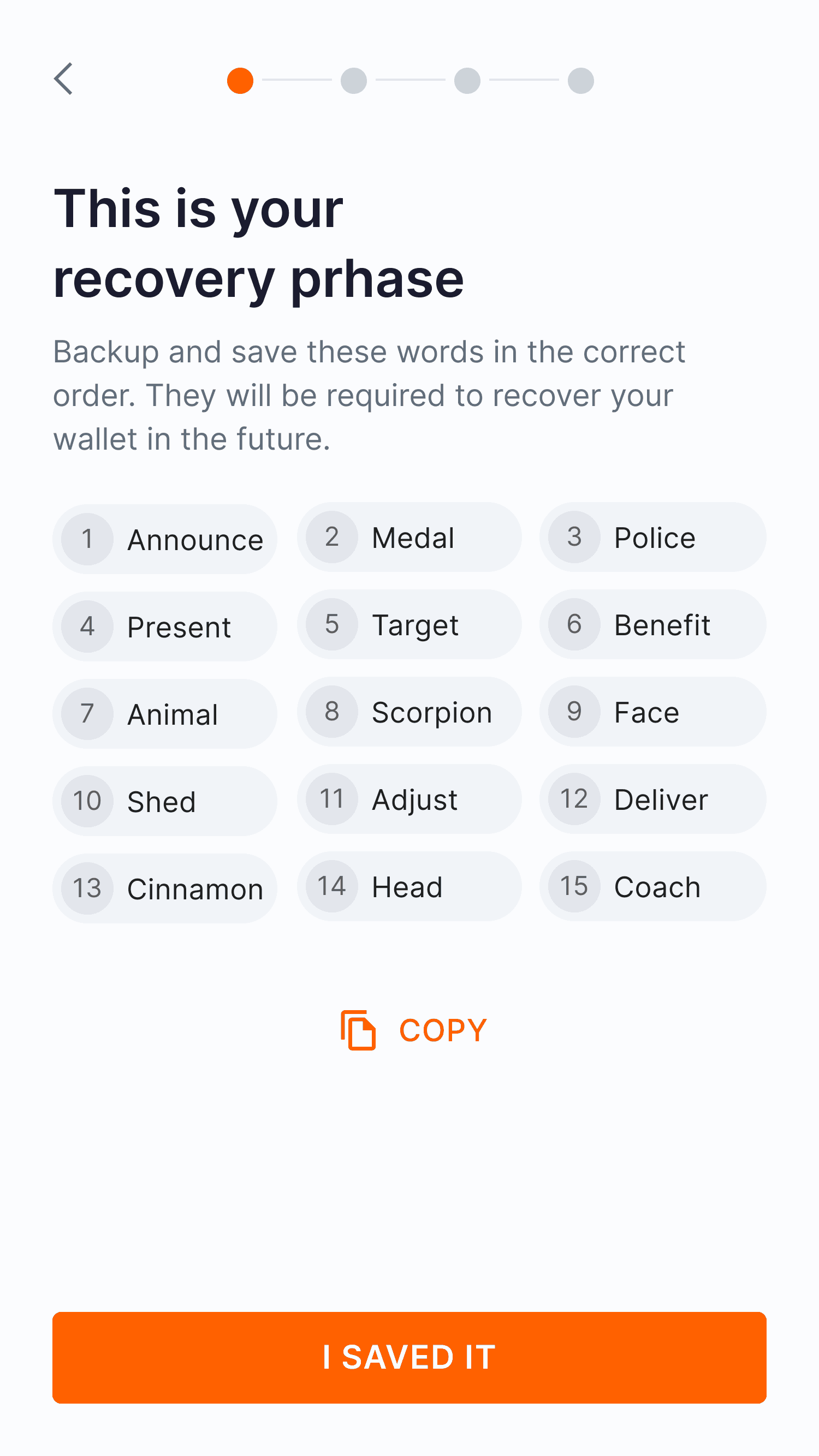
The tutorial guides users step-by-step, from simple tasks, like selecting a wallet connection option to advanced tasks, such as restoring a previous wallet via a recovery phrase.
To further reduce friction, we rewrote technical copy into clear, approachable language, adding helper text and tooltips to explain complex terms like "hardware wallet" exactly when the user needs them.
Unified Visual Language
Together with the senior designer, I helped establish a consistent visual foundation across mobile and extension. We defined shared typography, spacing, and color tokens that improved readability and brand cohesion. This alignment not only built user trust but also simplified developer implementation by ensuring both platforms followed the same design logic.
Takeaway & Reflection
We delivered a production‑ready onboarding system for Flint Mobile and Flint Chrome Extension, backed by a solid design system (tokens, core components, and copy guidelines). In testing, more users finished setup, made fewer errors, and reported higher confidence on first run. The shared foundations now support future wallet flows without re‑solving the same problems.
Result: Faster completion, fewer drop‑offs, and higher first‑session confidence in testing.
Overview
Flint is a friendly go-to wallet for DeFi and NFTs. My role was to redesign the onboarding experience so that first-time users could set up their wallets quickly and confident doing it. Before the redesign, beta users faced immediate friction: overwhelming options, excessive technical jargon, and inconsistent UI, leading to hesitation and high drop-off.
To solve this, I redesigned the onboarding flow by unifying screen interfaces: aligning copy, visuals, and interactions to create a seamless cross-platform experience. We simplified complex actions (creating, restoring, connecting wallets) while navigating strict security protocols. This redesign not only resolved immediate friction but also established a durable visual system to support future scalability.